Android users can now lock their Incognito tabs in Chrome.
Chrome is rolling out an update for Android users that allows them to lock their private tabs with a passcode or biometric information when they exit the app. This feature has been available for iOS users for a while, but it's now becoming available to those using Chrome on Android.
Chrome is rolling out an update for Android users that allows them to lock their private tabs with a passcode or biometric information when they exit the app. This feature has been available for iOS users for a while, but it's now becoming available to those using Chrome on Android.
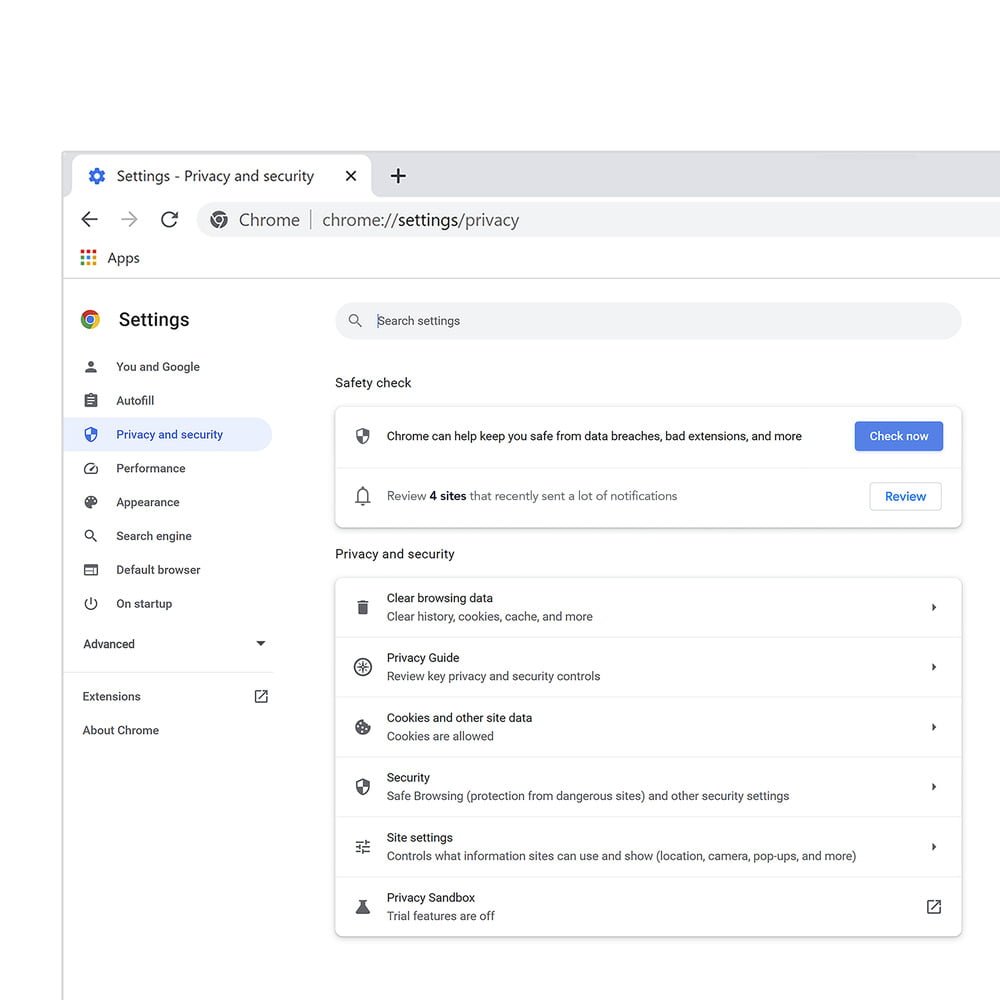
Users can enable this feature by going to Chrome Settings, Privacy & Security, and turning on the “Lock incognito tabs when you close Chrome” option. This will automatically lock the incognito tab the next time the user exits Chrome. To unlock incognito tabs, you can use biometric unlocking on your phone, such as fingerprint unlock or a lock code.

Since Google has just started rolling out this feature, the update may not be available for you even if you're using the latest version. In that case, you can type "chrome://flags/#incognito-reauthentication-for-android" and enable the flag to unlock the feature instantly.
Google said it has also updated its Security Check feature to send users more personalized recommendations about the permissions they share with specific sites, as part of a broader update. For example, if a site is sending you too many notifications, Security Check will ask you to change your notification access settings.
Compiled by: Ayça Ayaz
For just 1 TL per day, subscribe and gain unlimited access to all our content and support independent journalism! Subscribe Now!